→
App switching
Recent apps stay in reach, with up to 36 targets on the panel.
Letter Switcher takes you straight to the window you need. Press Command+Tab, choose a key, and keep working.
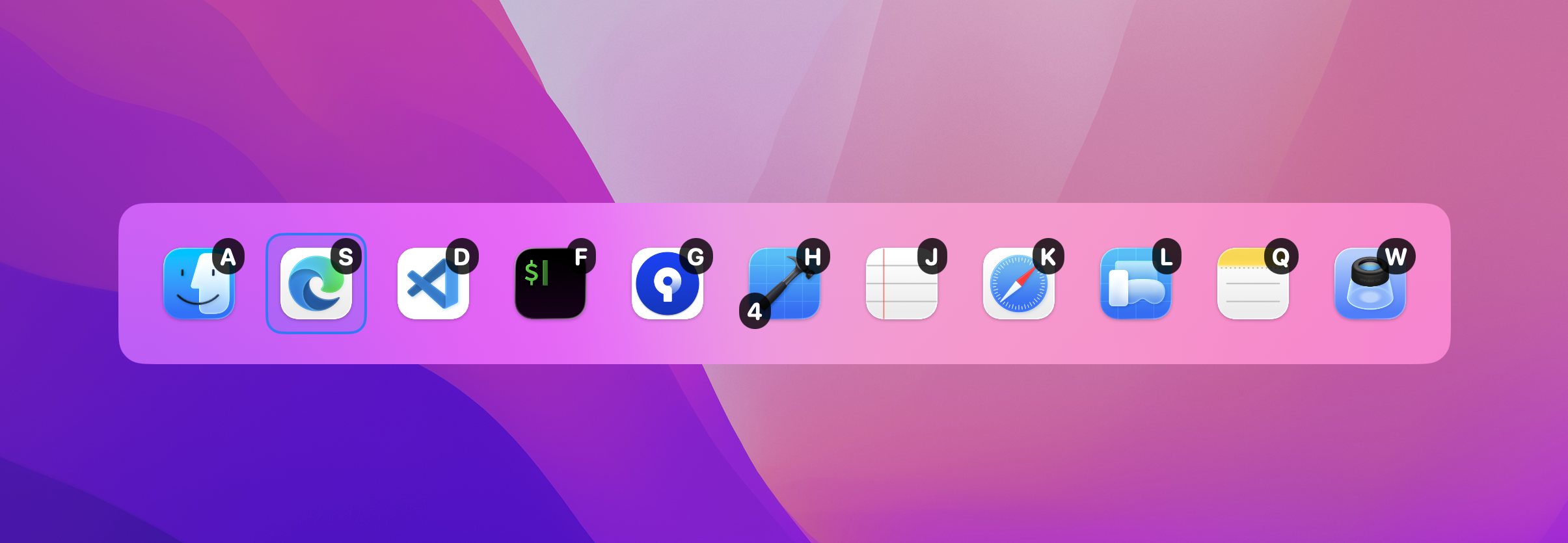
Apps follow your recent activation order for the current session. The key you see is the key you press.
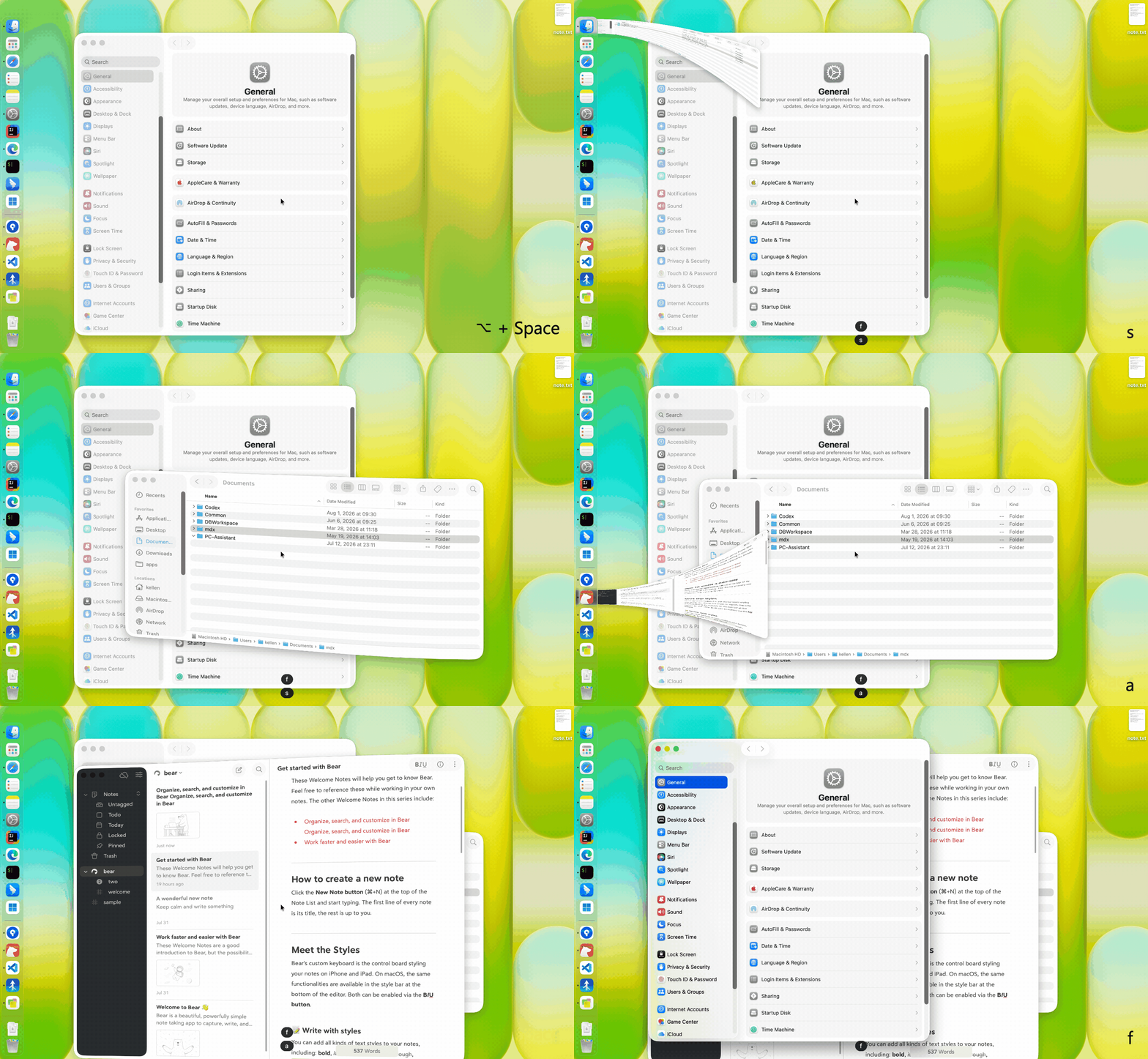
Press Command+Tab and the switcher appears at the center of your screen.
Press the letter or number on an app icon to activate it instantly.
The panel disappears and focus returns to your work.
Recent apps stay in reach, with up to 36 targets on the panel.
Preview several windows from one app and jump to the exact one.
Focus a window from another desktop without leaving your current task.
Give everyday apps a permanent key that recent order cannot move.
Choose one row or multiple rows, icon size, and badge appearance.
Connect show, activate, and settings commands to your scripts.
Hold Option while pressing an app key, or make window choosing the default. Real thumbnails help you confirm the right document, project, or Space.
Explore window choosing ↗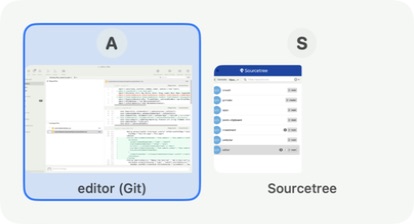 A / S
A / S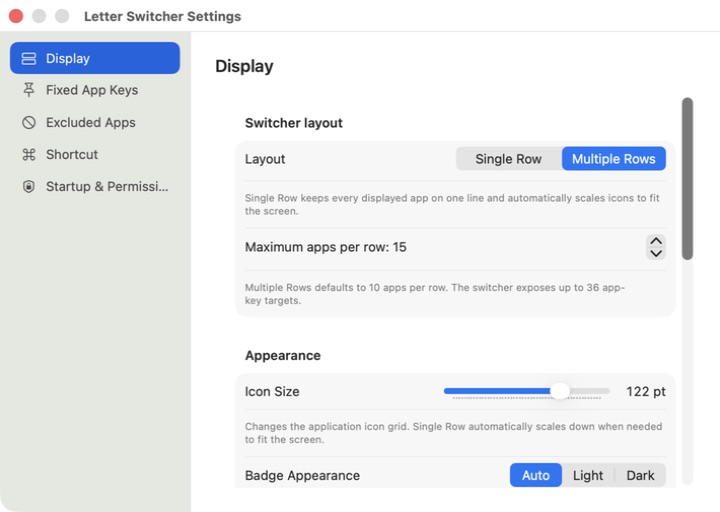
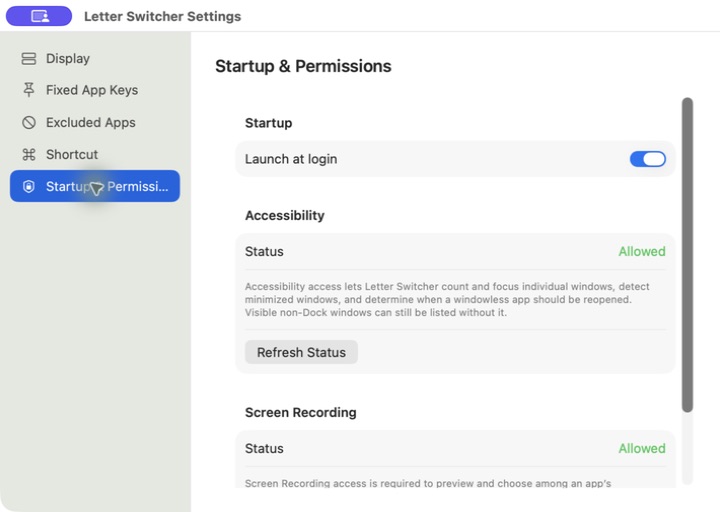
From shortcuts and key priority to icon size and fixed app keys, every preference lives in one focused settings window.
Letter Switcher runs locally and needs no account. Accessibility helps identify and focus windows; Screen Recording creates window previews. The app never forces a permission prompt at launch.
Your app list, window titles, and screen content stay on your Mac.
System access is only needed when you use window-level features.
Unlock the full app with one simple purchase. No subscription and no recurring charge.
Try every feature free for 14 days.
Start using Letter Switcher for free. macOS 14 or later.